Check Ticket Status
There are two easy ways to check the status of your ticket:
Using Your Email Address and Ticket Number
Logging in with a User Account
1. Using Your Email Address & Ticket Number
To check your ticket without logging in:
Step-by-step:
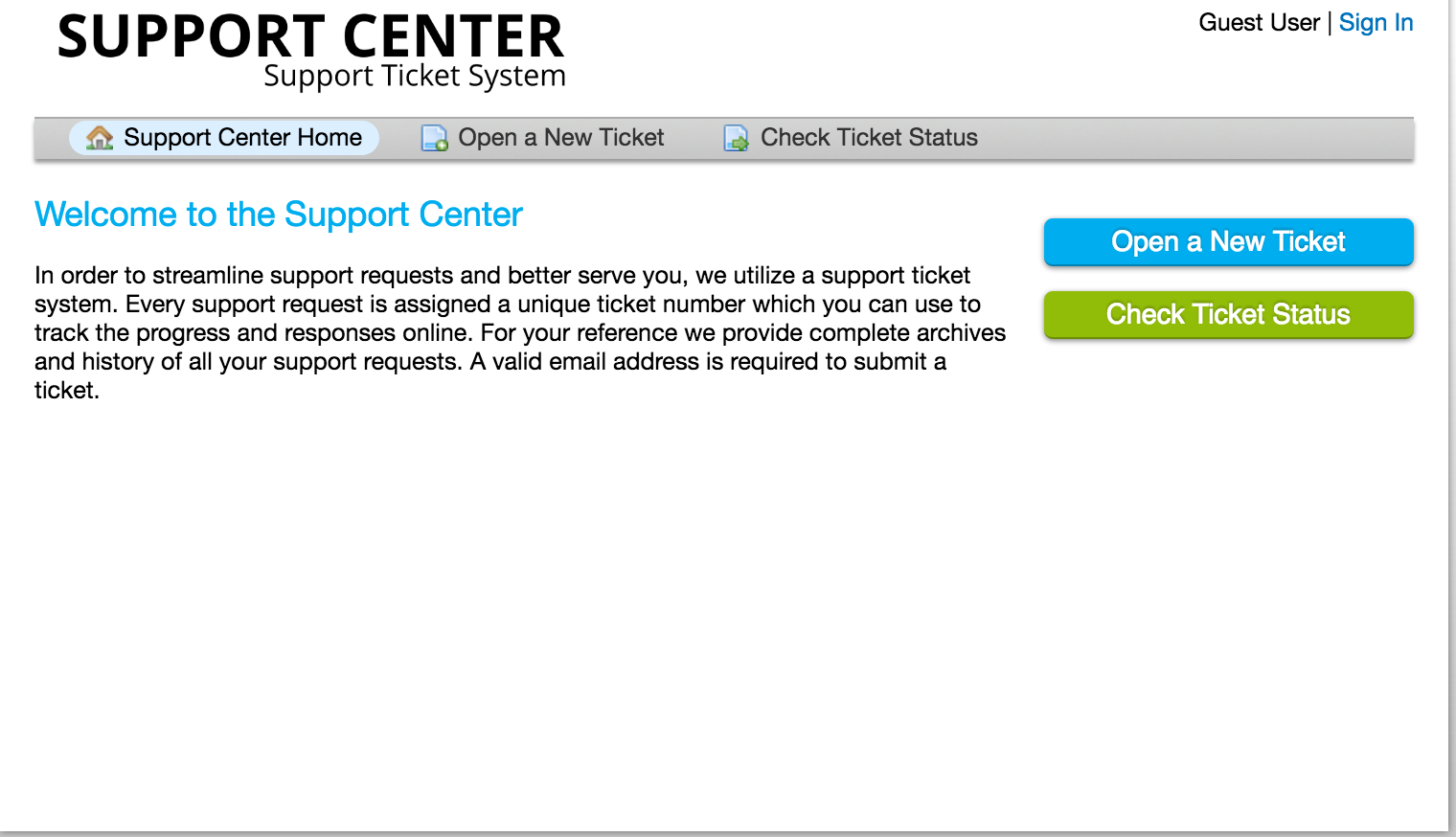
Go to the Help Desk main page.
Click on either “Check Ticket Status” button.


You will be redirected to a status page.

Enter your email address and ticket number.
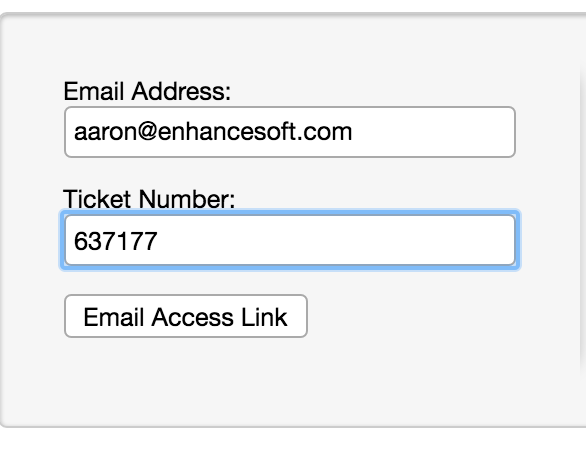
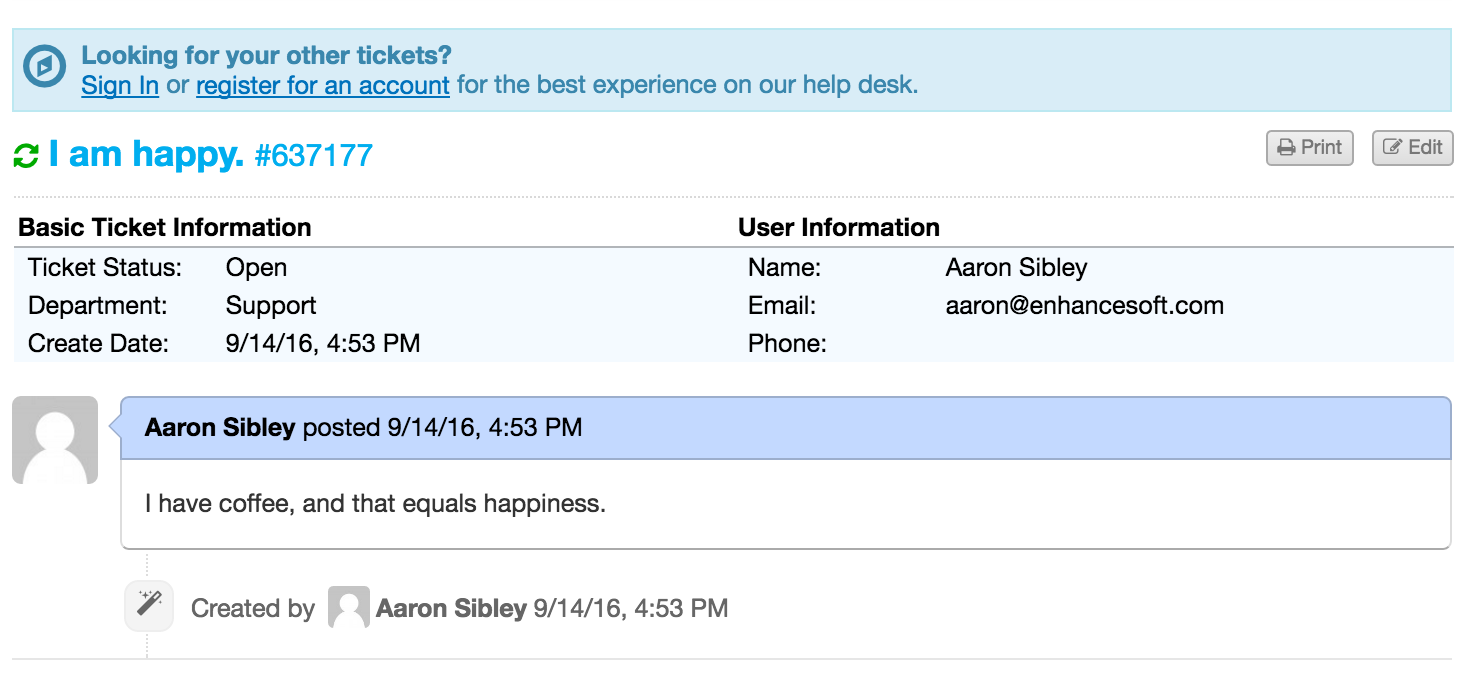
You will receive an access link via email. Click the link to view your ticket.
2. Using a User Account
If you prefer to see all your tickets in one place, you can log in with a user account.
Steps:
Sign into your account
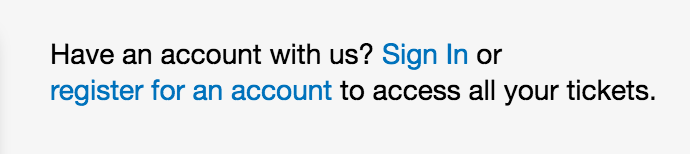
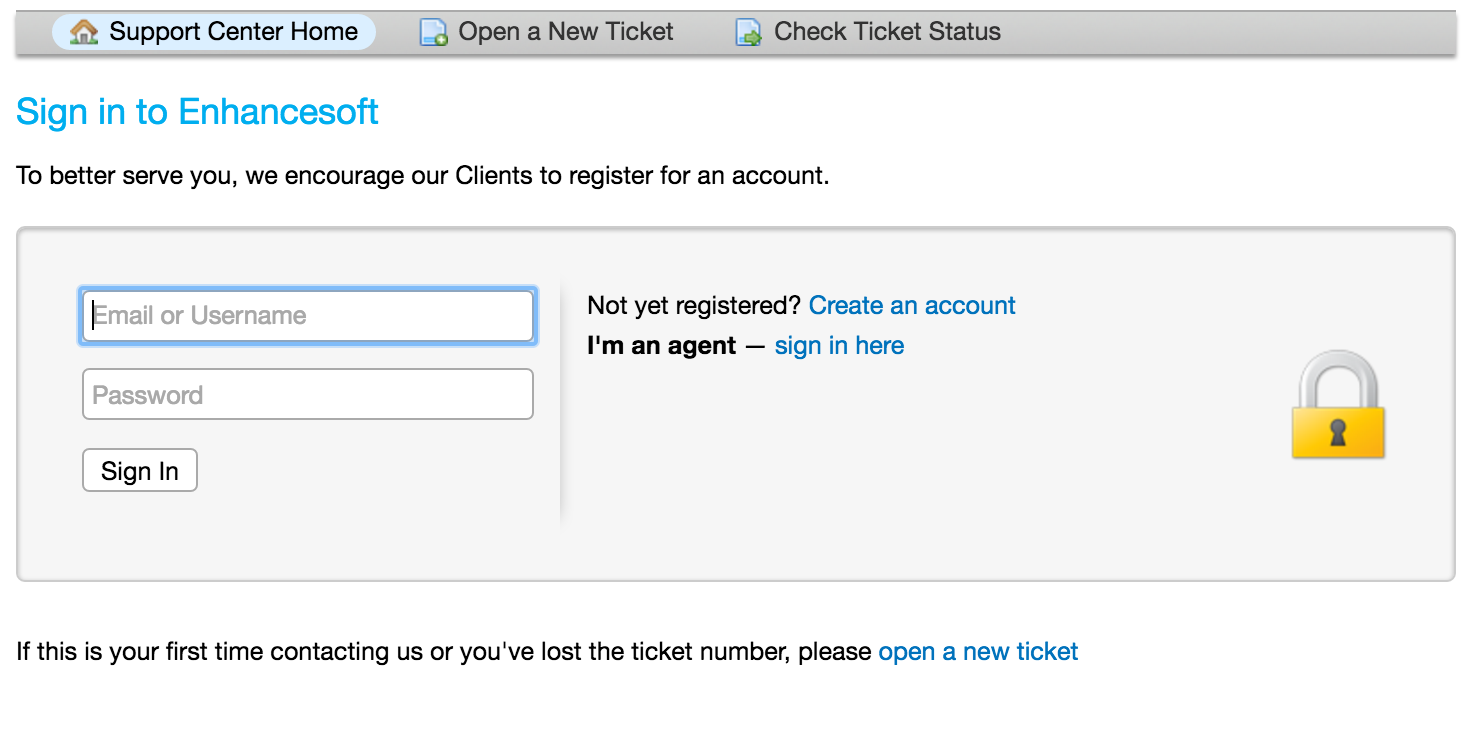
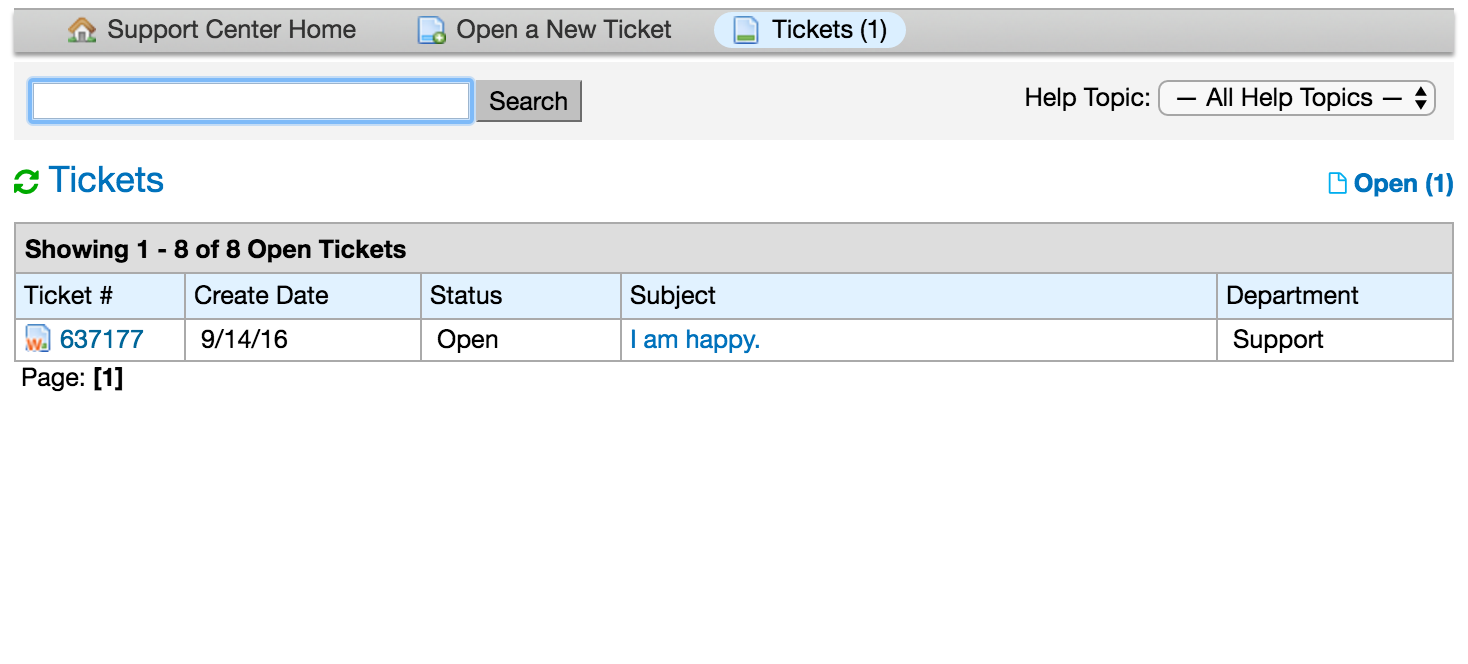
Once logged in, you’ll see all your submitted tickets listed.