Knowledgebase
How to Access Knowledgebase Articles
Knowledgebase articles help you find quick answers to common questions without needing to submit a ticket.
Follow these steps to access the Knowledgebase:
1. Go to the Help Desk Portal
Visit the main page of the Help Desk where you opened or checked tickets.
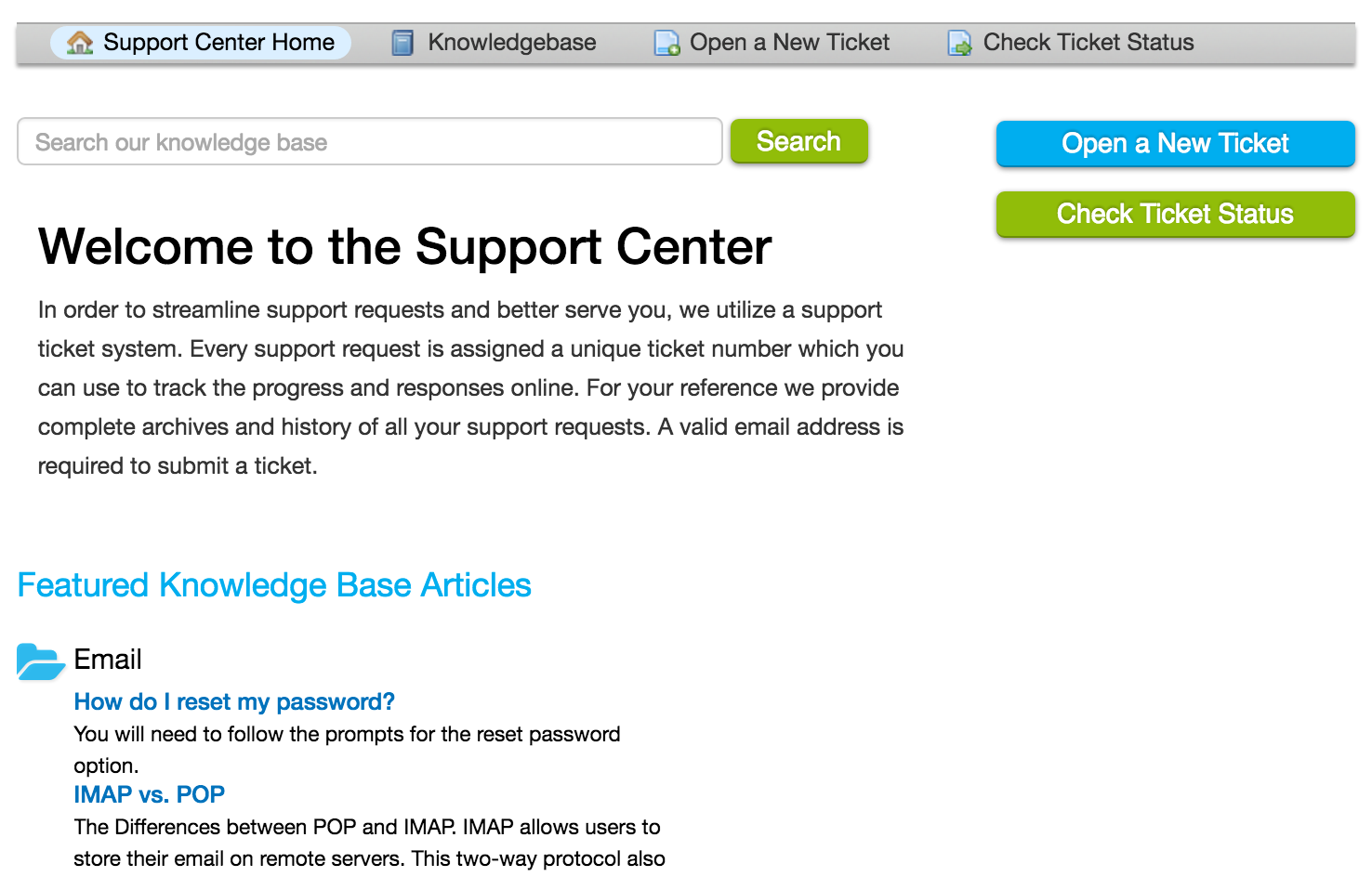
2. Locate the Knowledgebase
You can find Knowledgebase articles by:
Clicking on the “Knowledgebase” button at the top of the page, or
Clicking on the article links located at the bottom of the main page.
3. Browse or Search Articles
Once inside the Knowledgebase, you can:
Browse articles by category
Search by keywords related to your issue
View frequently asked questions (FAQs)
Some Knowledgebase articles may require you to log in before accessing them.
4. Find the Information You Need
Read through the relevant articles to find solutions to common problems, guides, or step-by-step instructions provided by the support team.
Using the Knowledgebase can save you time and help resolve your issues faster!